Quitting something? Climb, don’t break.
Quitting mode measures the time since you last did something you want to step away from. The counter grows while you leave it alone. If you return to the activity, a reset starts a new interval while keeping the completed run in your history.
Put it to use
For a scrolling habit, define what you want the counter to represent before starting. You might track opening a particular app after bedtime; a clear definition makes resets less ambiguous.
A small setup
- 1
Define the activity
Choose a concrete action you want to stop or step away from.
- 2
Start a quitting counter
Set its starting point to the last occurrence you can accurately record.
- 3
Reset when needed
If the action happens again, record it and start the next interval. The previous run remains part of the record.
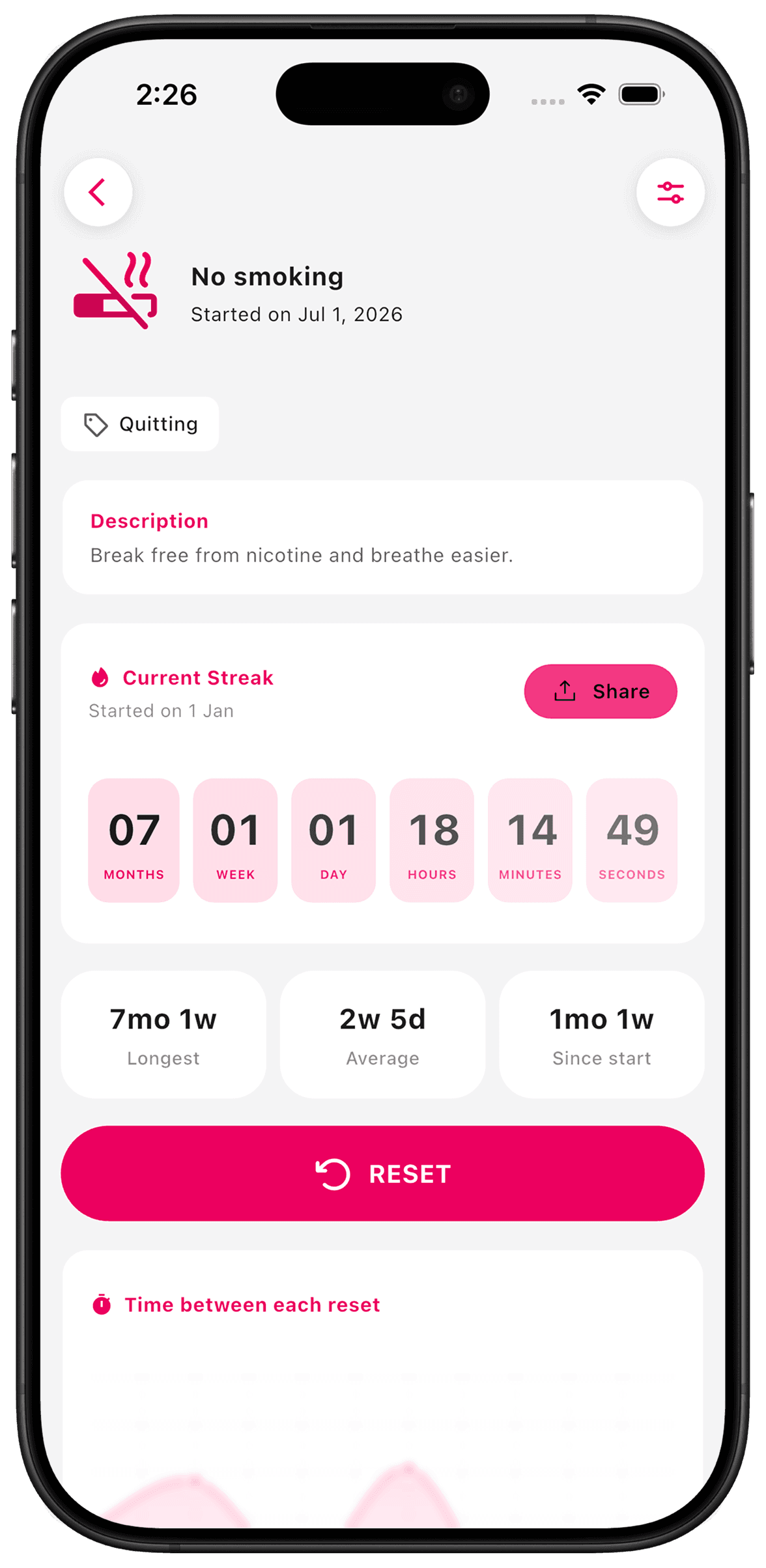
What TimeSince helps with
- Elapsed time since the activity last happened.
- A record of completed runs and resets.
What TimeSince will not fix
- It does not block apps or prevent an activity.
- It is a personal record, not treatment or professional support.
Keep reading
Guide
Quitting something, with a counter that climbs
Counting days since you stopped is the one case where a climbing number is exactly right. Here is how Quitting mode works, and what it deliberately does not do when you slip.
Guide
Why Streaks Backfire (And What to Track Instead)
Streak counters reduce a habit to one number, then reset it to zero the first day life gets in the way. Here is why that model fights most habits, and what to measure instead.
Keep the interval. Leave the pressure.
This feature is included with your first three free counters.