Logging you don’t have to remember
Home Screen widgets bring counters closer to where you already use your iPhone. See elapsed time and log without first finding the app. Medium and large widgets can show several counters, so a small set of frequently used records can stay together.
Put it to use
Put plant watering or a household chore on your Home Screen if opening the app is the step you tend to forget. Choose counters you will actually log there rather than filling the widget for its own sake.
A small setup
- 1
Add a TimeSince widget
Use the iPhone Home Screen widget picker and choose the size you want.
- 2
Choose the counters
Edit the widget to select which counters it displays.
- 3
Log after doing it
Use the log control after the action so the timestamp represents what happened.
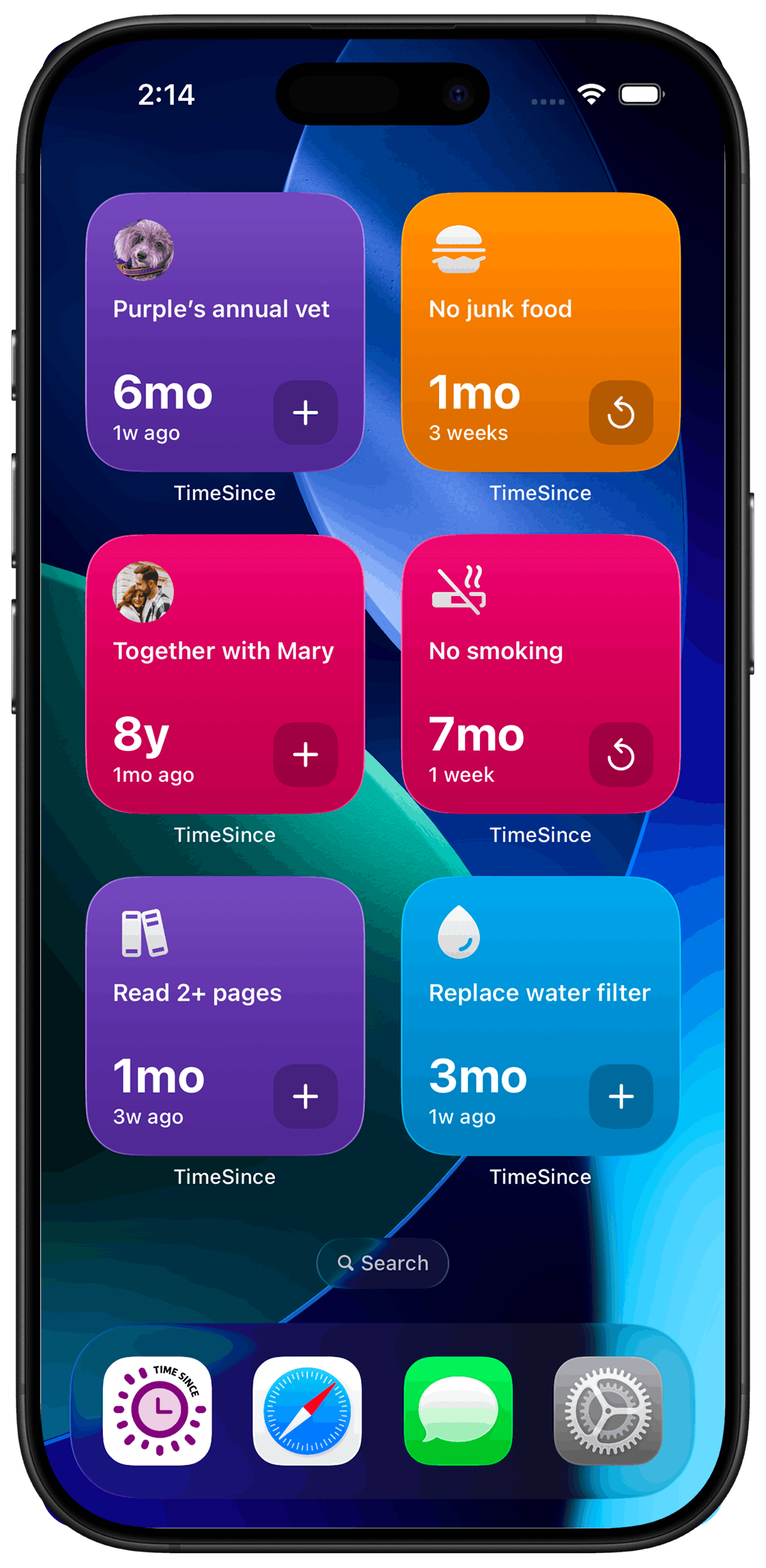
What TimeSince helps with
- Elapsed time visible from the Home Screen.
- A shorter path to logging frequently used counters.
What TimeSince will not fix
- A visible widget is not proof that an action happened.
- Widget refresh timing is managed by iOS.
Keep reading
Guide
How to Log a Habit Without Opening the App
The log you never make is the one that required four taps. Here are three ways to record a habit on iPhone without opening anything.
Guide
Habit Tracking When You Have ADHD
Rigid daily trackers collide with uneven energy, real friction around starting, and all-or-nothing thinking. A few changes make consistency easier to sustain.
Scenario
We keep arguing about whose turn it was
Bins, filters, litter tray, the thing nobody remembers doing. A shared log seems like the fix, but TimeSince is single-device by design, and that is worth understanding before you start.
Scenario
One widget, not eight, on my home screen
Tracking more than a couple of things used to mean a widget each, and a home screen full of them. One widget can now carry a set.
Scenario
The wrong counter is on my lock screen
A lock screen widget is only useful if it shows the one counter you actually want to see. Picking it is a two-minute job, and it is not where most people look first.
Keep the interval. Leave the pressure.
This feature is included with your first three free counters.