A beautiful timeline
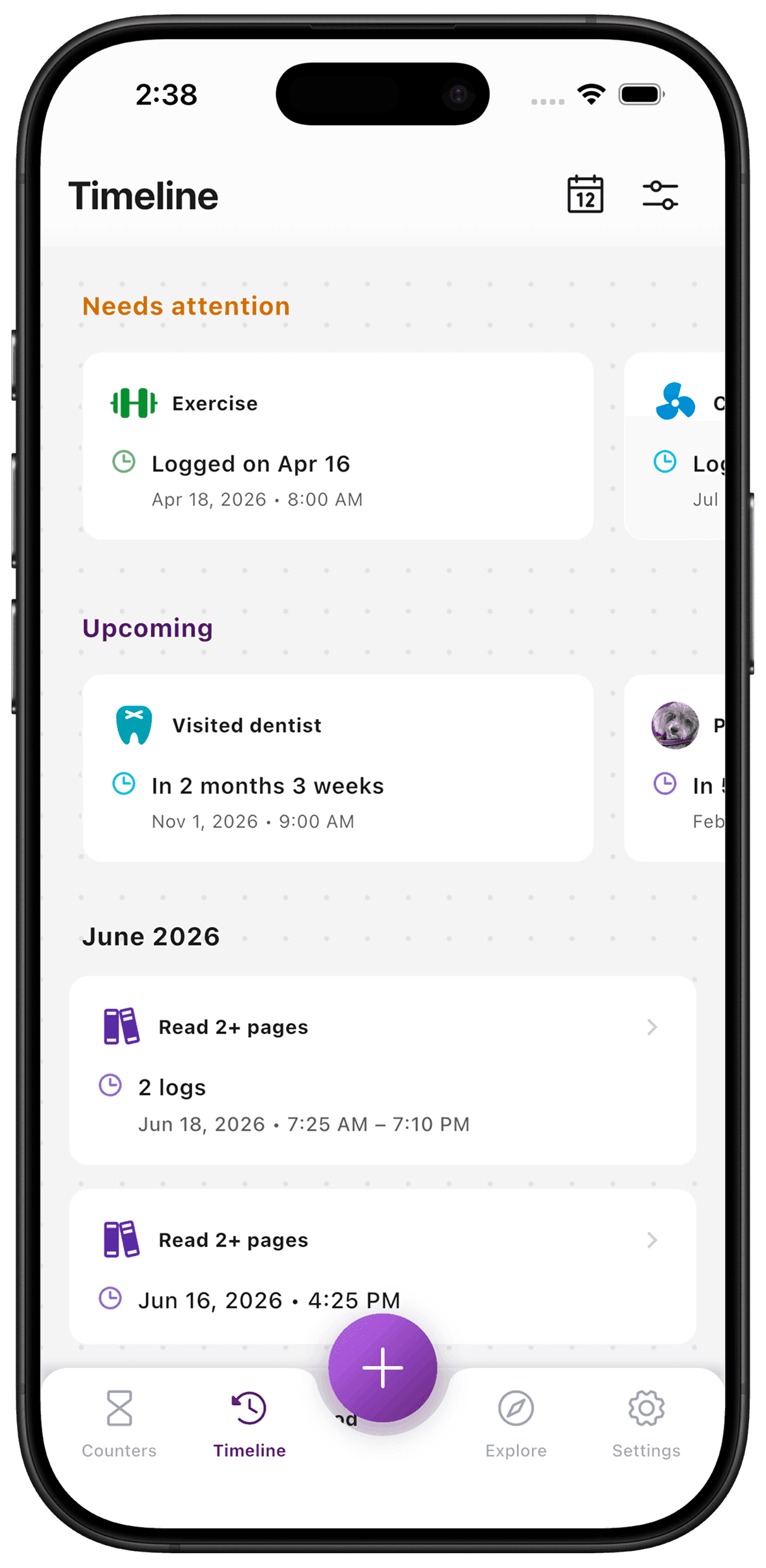
The timeline brings recorded moments into a date-based view. Use it to look back at logs, counter starts and resets without opening each counter in turn. A calendar helps narrow the view to a day when you remember roughly when something happened.
Put it to use
If you remember doing several chores on a weekend, look at that day to find the relevant entries. A missing entry means the app has no record; it cannot tell you whether the chore was actually skipped.
A small setup
- 1
Log as things happen
Each recorded moment contributes to the history you can browse later.
- 2
Choose a day
Use the timeline calendar to focus on a date rather than searching your whole list.
- 3
Read the entry
Check what kind of entry it is and any details you recorded with it.
What TimeSince helps with
- A shared date-based view of your recorded moments.
- A way to revisit entries across counters.
What TimeSince will not fix
- The timeline contains recorded activity, not everything you did.
- It is not a shared household activity feed.
Keep the interval. Leave the pressure.
This feature is included with your first three free counters.