Just say “log it.”
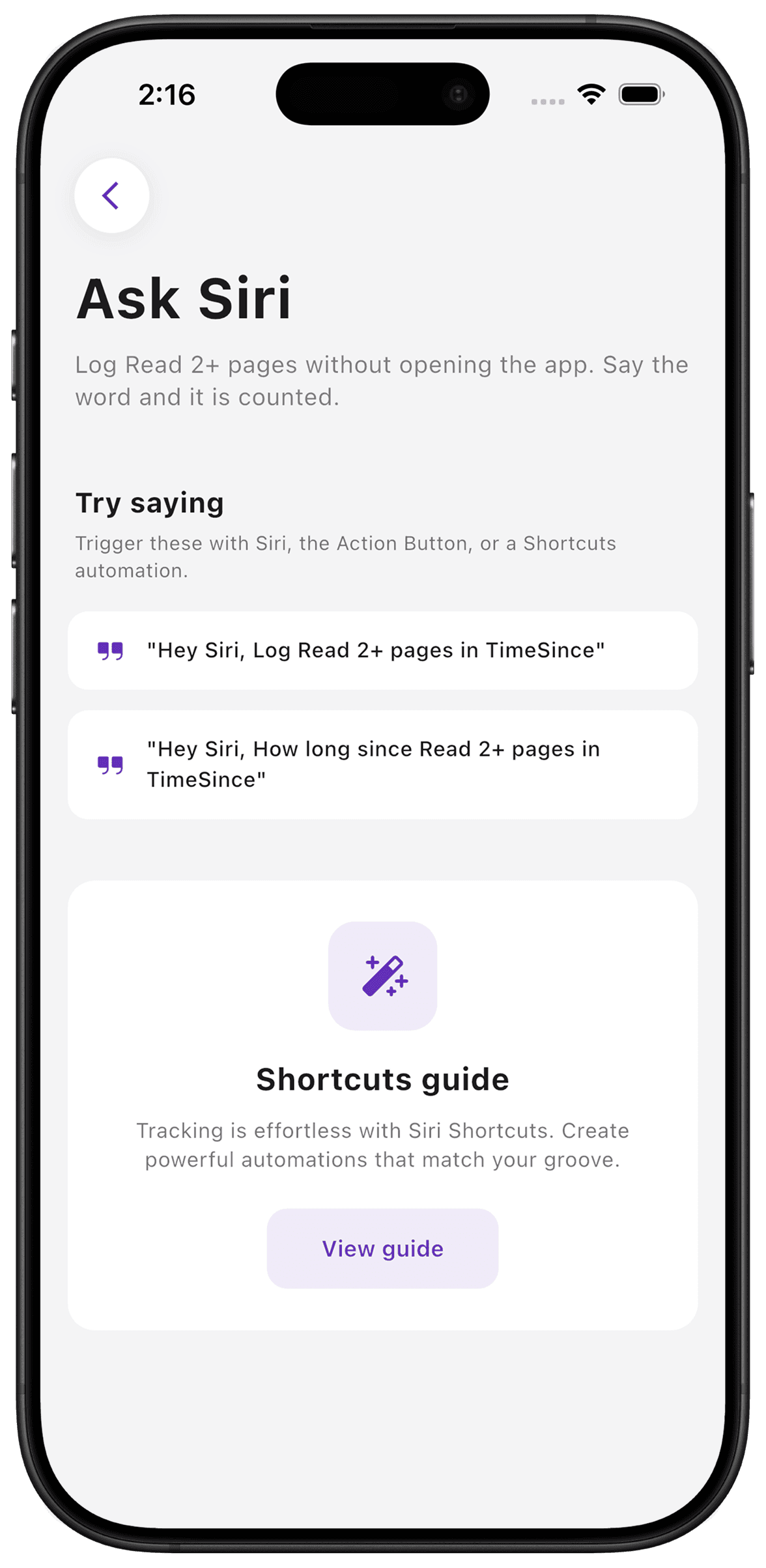
Siri and Shortcuts give you another way to log a counter or ask how long it has been. Use the built-in TimeSince phrases, create a shorter shortcut name, or connect a shortcut to your Action Button. Pick the route that fits where you do the activity.
Put it to use
After watering a plant, a spoken log can save you from putting everything down to find the counter. Use a specific counter name so the intended action is clear.
A small setup
- 1
Choose a counter
Use its Siri options to see the phrases available for that counter.
- 2
Try the phrase
Ask Siri to log it or ask how long it has been. Check that the intended counter was used.
- 3
Make it convenient
Give a shortcut a memorable name or assign it to a supported Action Button setup.
What TimeSince helps with
- Spoken logging and elapsed-time queries.
- Integration with Apple Shortcuts and the Action Button.
What TimeSince will not fix
- Siri availability depends on your device settings.
- An automation records its trigger; it does not verify that you performed the real-world action.
Keep the interval. Leave the pressure.
This feature is part of TimeSince Pro. You can start with three free counters.