Find your natural rhythm
Rhythm analytics shows the gaps between your recorded logs. Average intervals and charts help you see how often something has actually happened, whether that is every few days or every few months. The figures describe your history; they do not set a target for your next log.
Put it to use
After recording a few filter changes, look at the gaps between them. An unusually long gap is a reason to check your record and the filter, not proof that a particular replacement schedule is safe.
A small setup
- 1
Build a record
Log the action when you do it. A useful pattern needs more than one timestamp.
- 2
Look at the gaps
Read the average alongside the individual entries, especially if some logs were missed.
- 3
Use context
Treat the chart as a description of your records, and keep external maintenance guidance separate.
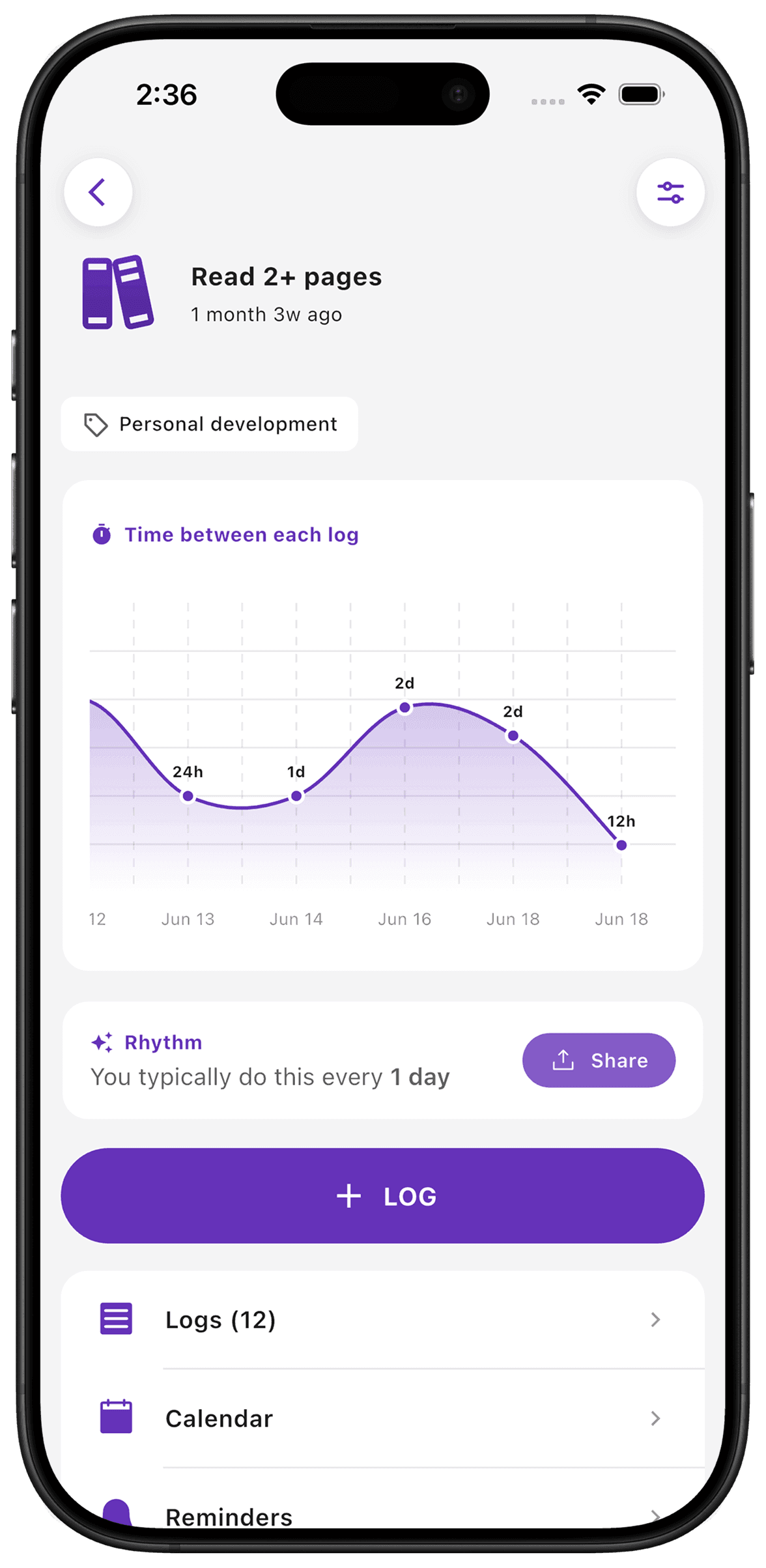
What TimeSince helps with
- Average intervals from your logging history.
- Charts for looking at changes over time.
What TimeSince will not fix
- Missing logs can make an interval look longer than it was.
- An observed average is not a recommended schedule.
Keep reading
Keep the interval. Leave the pressure.
This feature is included with your first three free counters.