Reminders that actually reach you
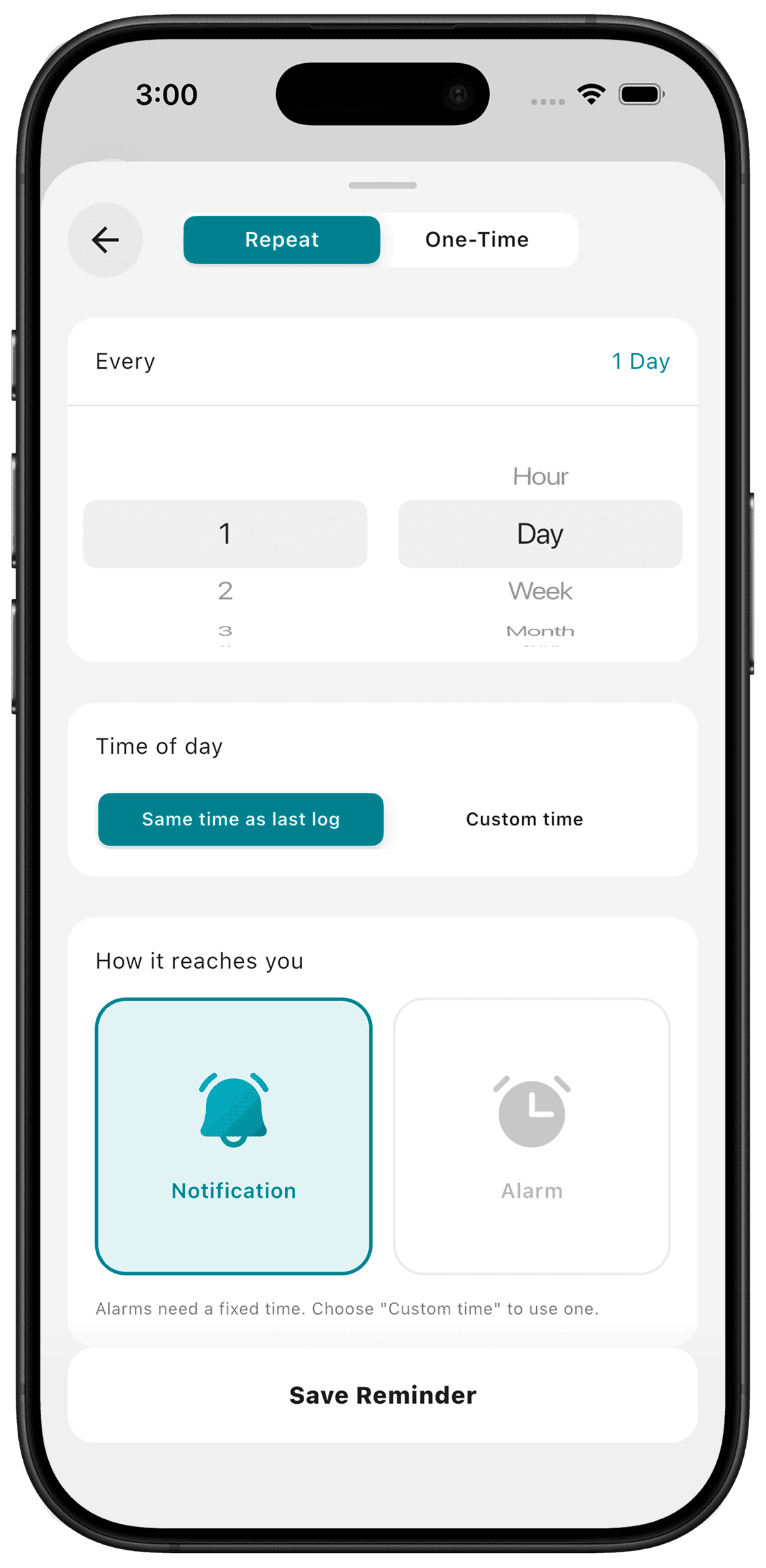
Reminders let a counter ask for your attention at a time you choose. Add up to five reminders per counter, including one-time, repeating or last-log-relative reminders. Supported alarms on iOS 26 or later can ring through silent mode and Focus.
Put it to use
For an irregular chore, a reminder can be a prompt to check whether it needs doing. Keep fixed safety-critical schedules in the appropriate system rather than assuming an interval describes what is safe.
A small setup
- 1
Choose the timing
Decide whether the reminder should use a set time or relate to the last log.
- 2
Allow notifications
Check your iPhone notification settings so the reminder can reach you.
- 3
Review the prompt
When it arrives, decide whether to do the action. Log only after it happens.
What TimeSince helps with
- Up to five reminders attached to a counter.
- Alarm support on compatible iOS versions.
What TimeSince will not fix
- Delivery depends on device permissions and settings.
- A reminder is not a guarantee of completion or a safety monitoring service.
Keep reading
Keep the interval. Leave the pressure.
This feature is included with your first three free counters.