Tap a tag, done
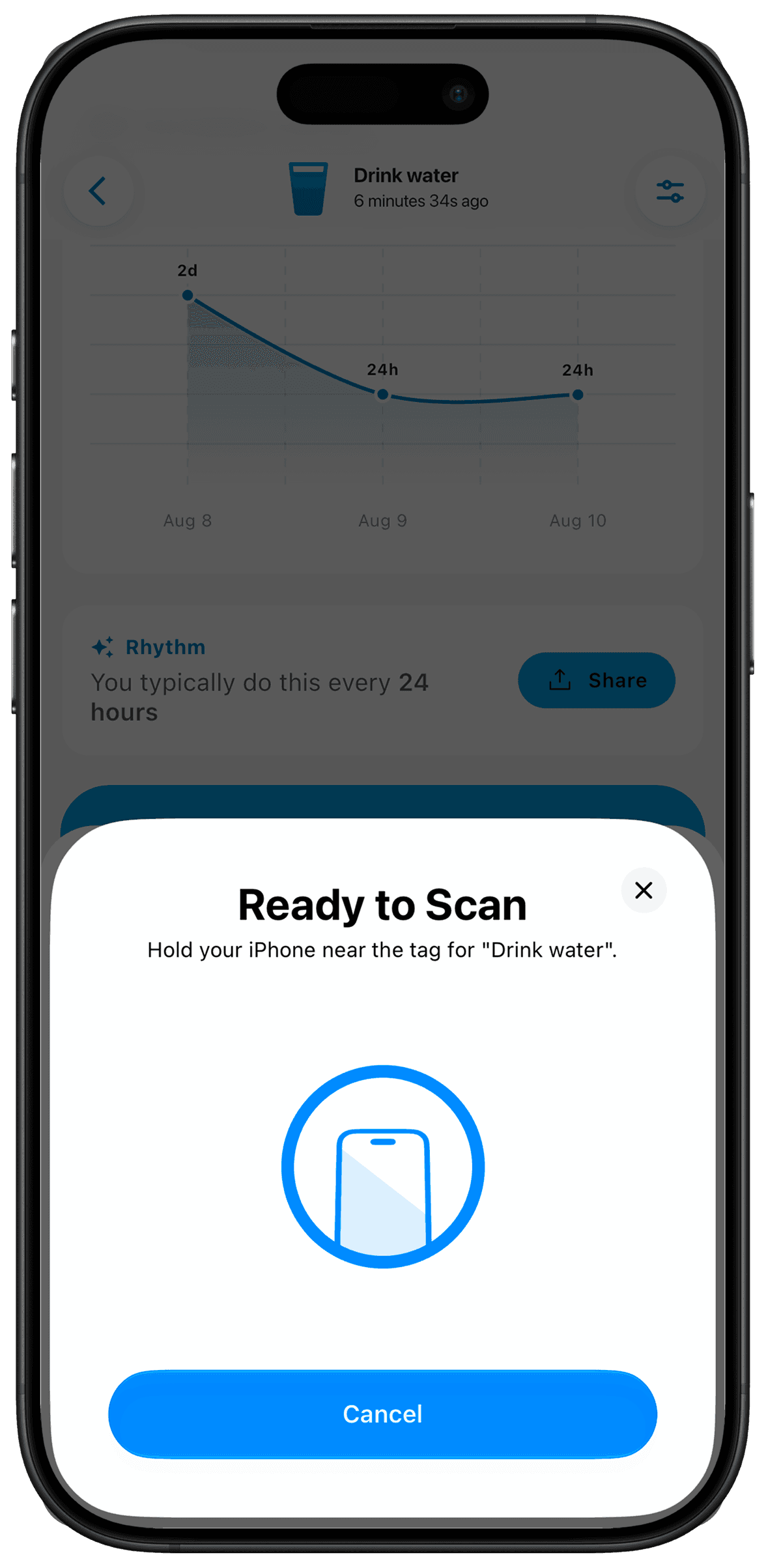
Pair an NTAG215 NFC tag with a counter, then tap it with your iPhone to log the action. A tag beside the place you do something can make recording it easier to remember. The ordinary log controls remain available; the tag is a shortcut, not a requirement.
Put it to use
A tag by a watering can can prompt a log after watering. Keep the meaning precise: scanning the tag means you are recording the action, not just checking the plant.
A small setup
- 1
Pair the tag
Use the counter’s NFC pairing option with an NTAG215 tag.
- 2
Place it by the action
Choose a convenient location where you can tap it after completing the task.
- 3
Check your first log
Scan once and confirm that the intended counter received the entry.
What TimeSince helps with
- A physical shortcut to logging a chosen counter.
- Logging without navigating to the counter first.
What TimeSince will not fix
- You need a compatible tag and an NFC-capable iPhone.
- A scan records a log, not independent evidence of completion.
Keep reading
Keep the interval. Leave the pressure.
This feature is part of TimeSince Pro. You can start with three free counters.