Keep it personal
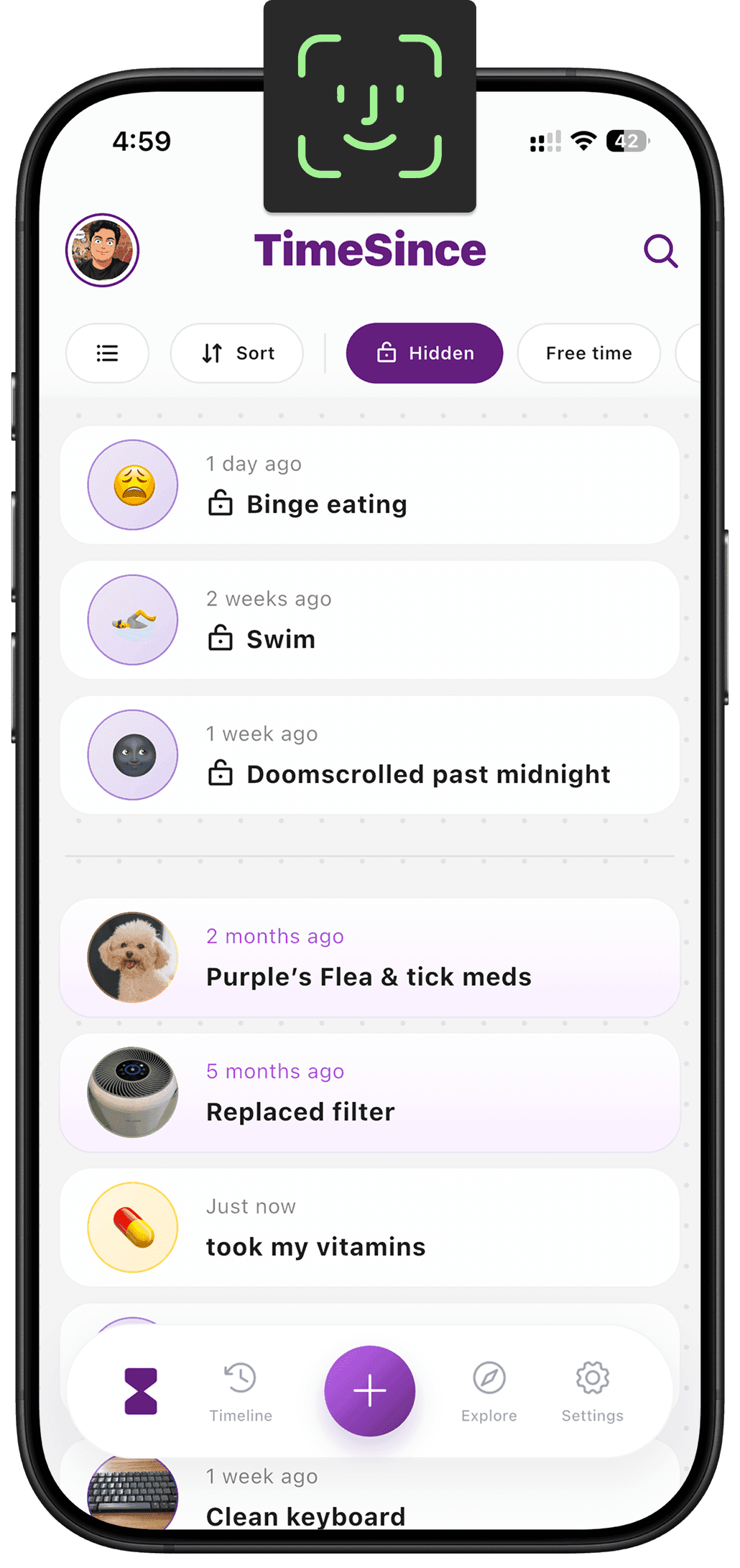
Hidden counters keep selected records out of the main list and behind biometric access. Use them for things you would prefer not to display while showing someone your phone. They remain part of your encrypted local database, rather than moving into a separate online account.
Put it to use
Keep a personal counter separate from everyday chores. Consider where else you choose to expose its information, including anything you share outside the app.
A small setup
- 1
Choose what stays private
Select the counter whose name and history you want to keep out of the main view.
- 2
Use the hidden layer
Enable hiding for that counter and use biometric access when you want to view it.
- 3
Review what you share
Check any exported files or shared images before sending them to someone else.
What TimeSince helps with
- A separate, biometric-protected place for personal counters.
- Encrypted storage on your own device.
What TimeSince will not fix
- Hiding a counter does not retract information you already shared.
- It is not a substitute for securing your phone and Apple account.
Keep reading
Keep the interval. Leave the pressure.
This feature is part of TimeSince Pro. You can start with three free counters.