Advanced custom logging
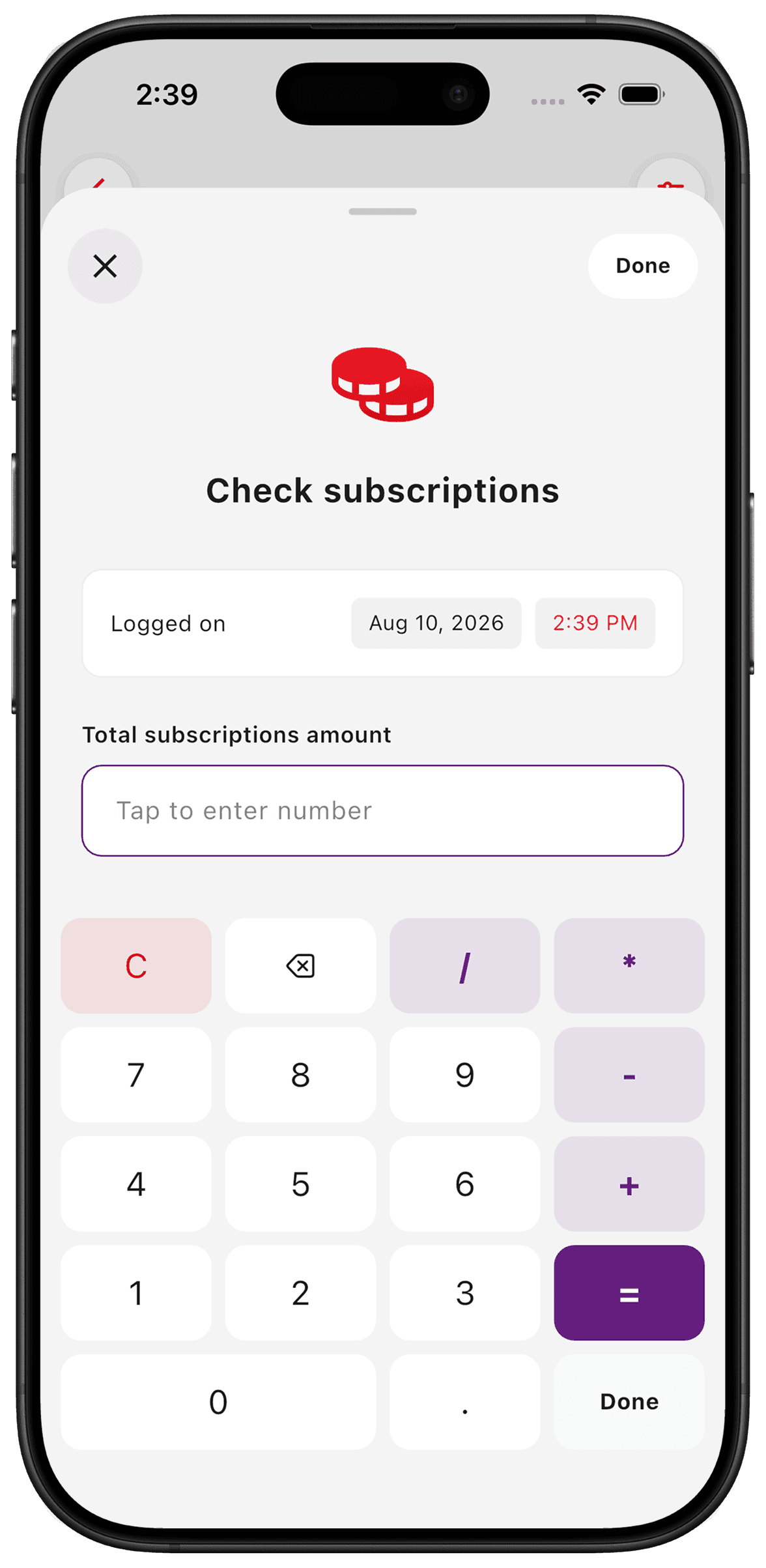
Custom fields let a log keep more than its date. Record a number, some text or a photo alongside the moment so you can understand it later. For a maintenance counter, that might be the cost, an odometer reading or a photograph of the receipt.
Put it to use
A car service log can hold the date plus the mileage and work performed. Keep the original service documents too; a personal entry is useful context, not an official service record.
A small setup
- 1
Choose the detail you need
Add number, text or photo fields to the counter rather than collecting detail you will never read.
- 2
Fill them when logging
Record the details while they are available, such as the mileage printed on a service receipt.
- 3
Read the context later
Return to the entry when a timestamp alone is not enough to answer your question.
What TimeSince helps with
- Numbers, text and photos alongside timestamps.
- A built-in calculator keyboard for number inputs.
What TimeSince will not fix
- Entries are only as accurate as the information you supply.
- Custom fields do not independently verify a service or measurement.
Keep the interval. Leave the pressure.
This feature is part of TimeSince Pro. You can start with three free counters.