Dynamic counter customization
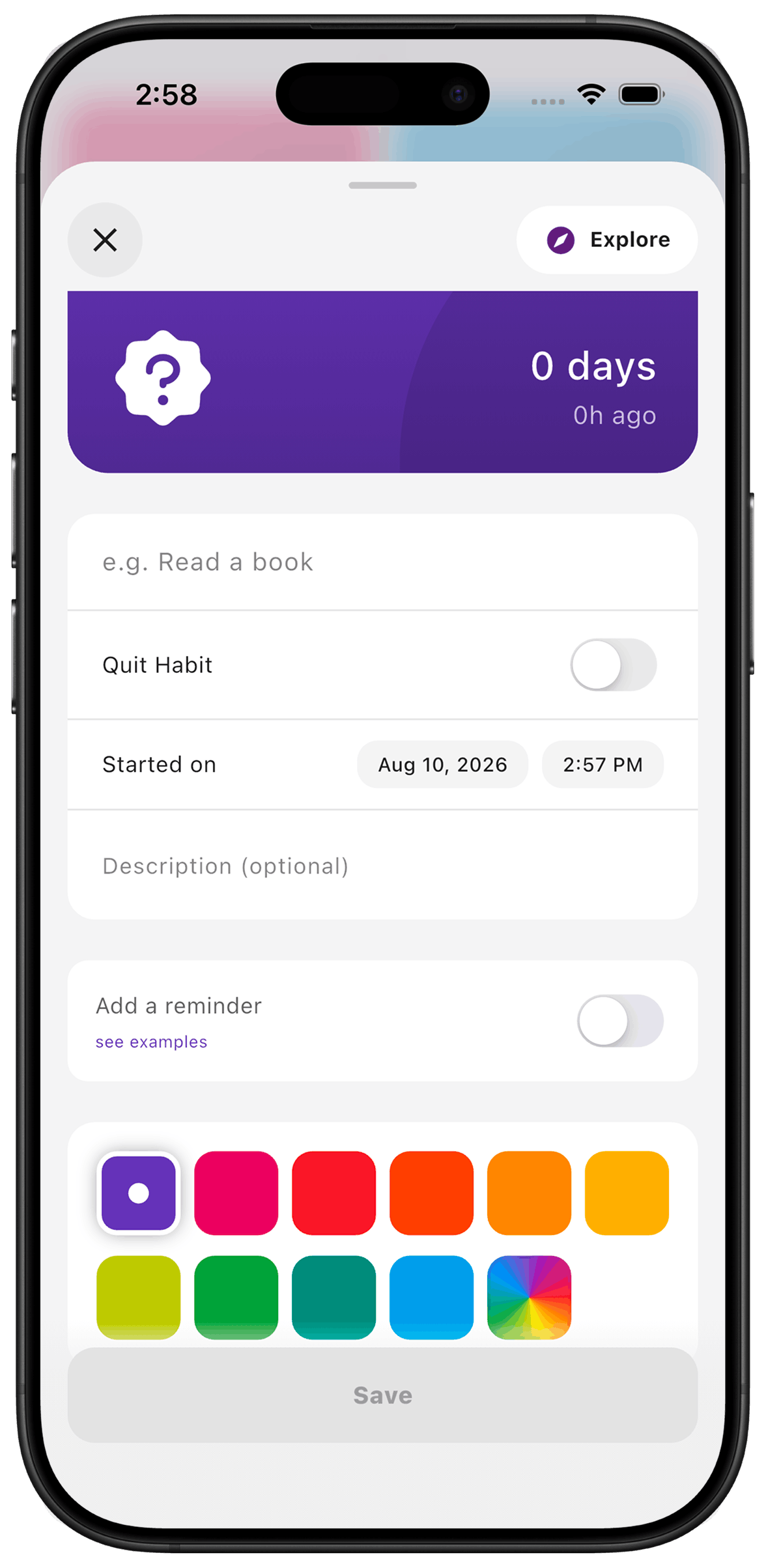
Give each counter a name, colour and icon that you recognise quickly. A watering can, a car or a familiar photo can make a list easier to scan when you only want to find one thing. The counter still measures the same interval; the appearance helps you find it.
Put it to use
For several plants, use a specific name such as “Kitchen fern watered” rather than five counters called “Water plants.” Keep the action in the name so you know what logging it means.
A small setup
- 1
Name the action
Use a short name that tells you exactly what happened when you log it.
- 2
Choose a visual cue
Pick a colour and icon, or use a custom image cover, to distinguish it from nearby counters.
- 3
Keep the list useful
Start with a few things you regularly forget rather than making a counter for every possible task.
What TimeSince helps with
- A recognisable counter at a glance.
- Names and visual cues suited to your own routines.
What TimeSince will not fix
- A colour is not a priority or a due date.
- Changing the appearance does not log the action for you.
Keep reading
Keep the interval. Leave the pressure.
This feature is included with your first three free counters.